GBM Example Notebook
An example use in the Python Interface is:
[1]:
from pygbm import GBMSimulator
simulator = GBMSimulator(y0=1.0, mu=0.05, sigma=0.2)
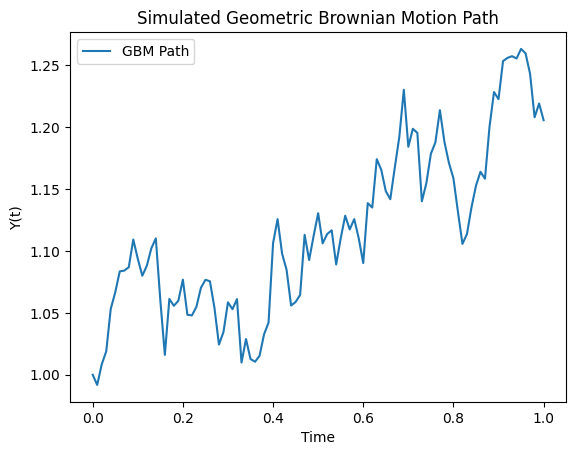
t_values, y_values = simulator.simulate_path(T=1.0, N=100)
simulator.plot_path(t_values, y_values, output="gbm_plot.png")
Can also implement in the command line:
[3]:
!pygbm simulate --y0 1.0 --mu 0.05 --sigma 0.2 --T 1.0 --N 100 --output gbm_plot.png
One can check usage of this by typing:
[4]:
!pygbm --help
usage: pygbm [-h] {simulate} ...

Simulate Geometric Brownian Motion

positional arguments:
  {simulate}
    simulate  Simulate a GBM path and plot it

options:
  -h, --help  show this help message and exit
[ ]: